
Static vs Dynamic QR Codes: Which One Do You Actually Need?
Static vs dynamic QR code — this guide explains the real differences, costs, and when each type makes sense, so you can choose without paying for features you don’t need.
Learn more about how QR codes work on Wikipedia.
When you search for a QR code generator, you’ll quickly run into two options: static QR codes and dynamic QR codes. Many platforms push dynamic codes as the premium option — but for most people, a free static QR code is not only enough, it’s the smarter choice. This guide breaks down the real differences so you can decide without paying for features you don’t need.
What Is a Static QR Code?
A static QR code is one where the destination data — a URL, phone number, WiFi password, or any other information — is permanently encoded into the QR pattern itself. Once generated, the code cannot be changed. The data lives inside the black and white squares, with no dependence on any external server or platform.
This means a static QR code:
No subscription needed to keep it working. It will scan correctly 10 years from now, as long as the destination URL still exists.
Any free QR code generator, including WebToolsStack, creates static codes. There is no cost involved at any stage.
A static QR code that stores a WiFi password or plain text works even offline — no server ping required to decode it.
If you change the destination URL, you need to generate a new QR code. This is the only real limitation of static codes.
What Is a Dynamic QR Code?
A dynamic QR code doesn’t store the destination directly. Instead, it encodes a short redirect URL managed by a third-party platform. When someone scans the code, they hit the platform’s server first, which then redirects them to the actual destination.
This redirect layer is what allows the destination to be changed after the code is printed — but it comes with real trade-offs:
You can change where the QR code points without reprinting — useful for large print runs where the destination may change.
The platform can track how many times the code was scanned, from which location, and on which device.
Most dynamic QR code platforms charge monthly fees ranging from $5 to $30+ per month. If you stop paying, your codes stop working.
If the platform shuts down or your subscription lapses, every QR code you’ve printed becomes useless — permanently.
Every scan passes through the provider’s infrastructure. If their servers go down, your QR codes don’t work — even temporarily.
Static vs Dynamic QR Code: Full Comparison
Here’s the complete side-by-side breakdown of every relevant factor when choosing between a static vs dynamic QR code:
| Feature | Static QR Code | Dynamic QR Code |
|---|---|---|
| Cost | ✔ Free | ✗ Monthly subscription |
| Expiry | ✔ Never expires | ✗ Expires if unpaid |
| Editable after print | ✗ No | ✔ Yes |
| Scan analytics | ✗ No | ✔ Yes |
| Server dependency | ✔ None | ✗ Requires provider uptime |
| Privacy | ✔ No tracking | ✗ Scans tracked by provider |
| Setup complexity | ✔ Generate & download | ⚠ Account + dashboard |
| Risk of breaking | ✔ Very low | ✗ High (provider dependent) |
| Best for | Most use cases | Large campaigns with changing URLs |
When to Use a Static QR Code
A static QR code is the right choice in the vast majority of real-world situations. Use one when:
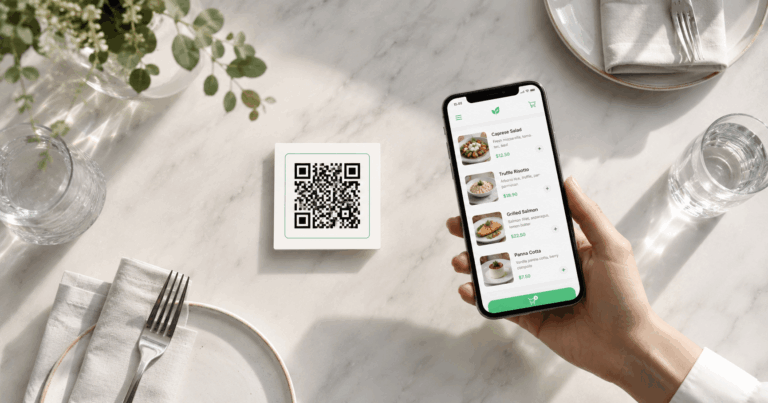
Restaurant menus
Point the QR to a stable menu URL. Update the menu content at that URL whenever needed — the QR code itself never changes.
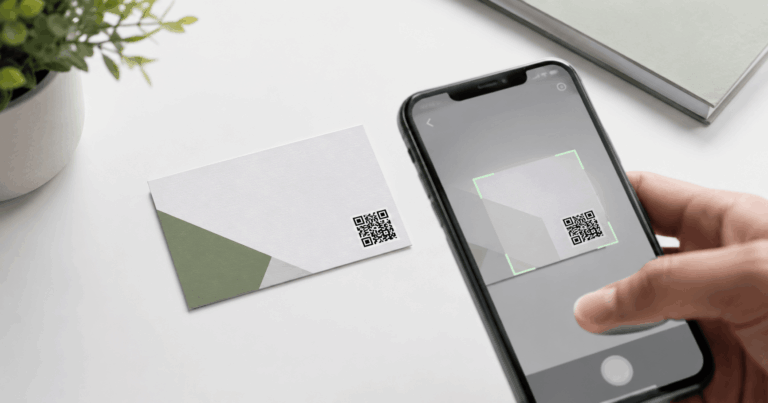
Business cards
Link to your LinkedIn profile, personal website, or contact page. These URLs rarely change, making static ideal.
WiFi access
A WiFi QR code encodes your network credentials directly. No server, no expiry, no subscription.
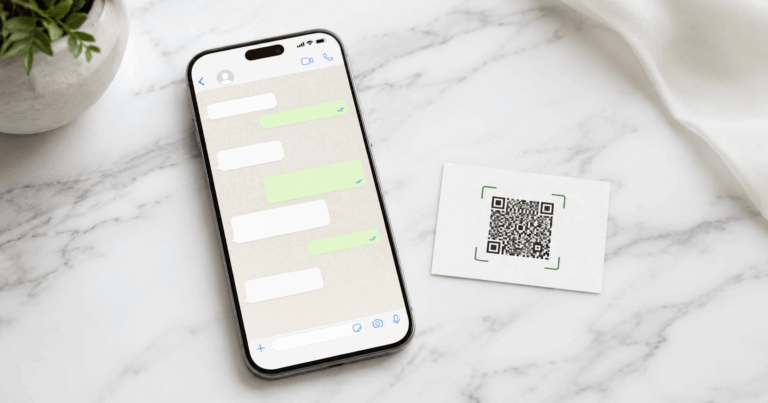
WhatsApp contact
A WhatsApp QR code opens a direct chat with your number. Your number doesn’t change — static is perfect.
Product packaging
Link to a product page, instruction manual, or warranty registration. Works permanently without ongoing costs.
Events and flyers
Link to a registration page or event details. Once printed, the URL is fixed — which is exactly what you need for a one-time event.
Generate a free static QR code in seconds
🔳 Create Your Free QR Code No sign-up · No expiry · Download in PNG instantlyWhen a Dynamic QR Code Actually Makes Sense
Dynamic QR codes are not without merit — they just serve a very specific need. Consider a dynamic QR code only when all three of these conditions are true:
2. You need detailed scan analytics (location, device, time) for a specific marketing campaign.
3. You have the budget for a monthly subscription and are comfortable depending on a third-party platform long-term.
A typical example: a national retail chain prints 50,000 product boxes with QR codes pointing to a seasonal promotion. When the promotion ends, they need to redirect all those codes to a new campaign — without reprinting the boxes. That’s a legitimate use case for dynamic QR codes.
For a restaurant, a freelancer, a small business, or an individual — that scenario almost never applies.
The Third Option Nobody Mentions
The static-versus-dynamic choice is usually presented as a straight trade: pay for a subscription and you can change the destination, or stay free and you are stuck with it forever. That framing is wrong, and it is wrong in a way that happens to suit the companies selling dynamic codes.
There is a third arrangement: encode a static QR code with a short URL on a domain you own, and control the redirect yourself. The QR code never changes. The page it lands on can change as often as you like.
If you own example.com, you point the code at something like example.com/menu
and set that address to redirect wherever you want. New menu, new landing page, new campaign — you
edit the redirect, and every code you already printed follows along. The printed square is permanent; the
destination is not.
| Plain static | Static via your own URL | Dynamic service | |
|---|---|---|---|
| Change the destination later | No | Yes | Yes |
| Ongoing cost | None | Your domain | Subscription |
| Stops working if you stop paying | Never | If the domain lapses | Yes |
| Scan analytics | No | Only what your own site records | Built in |
| Depends on a third party | No | No | Yes |
The honest trade-off: this requires a domain and somewhere to configure a redirect, which is a few minutes of setup rather than none. You also do not get scan analytics out of the box — you see whatever your own site or analytics already records. If scan counts and heat maps are the reason you were considering a dynamic code, a paid service is still the right answer.
But if the only reason was “I might need to change the link later”, and you already own a domain, you do not need a subscription for that. You need a redirect.
The Verdict: Which One Do You Actually Need?
Choose Static if…
- You’re creating QR codes for personal or small business use
- Your destination URL is stable (website, menu, social profile)
- You don’t want to pay a monthly subscription
- You need the code to work permanently, guaranteed
- Privacy matters and you don’t want scans tracked
→ That’s most people. Use a free static QR code.
Choose Dynamic if…
- You’re running large-scale print campaigns (10,000+ pieces)
- The destination URL will change after printing
- Scan analytics are essential for your campaign reporting
- You have budget for ongoing subscription costs
→ A narrow use case. Enterprise marketing teams, mainly.
Frequently Asked Questions
What is the difference between a static and dynamic QR code?
A static QR code has the destination data embedded directly into the code pattern — it never changes and never expires. A dynamic QR code uses a short redirect URL managed by a third-party platform, which allows the destination to be changed after printing but usually requires a monthly subscription.
Do static QR codes expire?
No. Static QR codes never expire. The data is permanently encoded into the QR pattern itself, with no dependency on external servers or subscriptions. They will continue to work indefinitely as long as the destination URL exists.
Are dynamic QR codes worth the cost?
Only in specific scenarios — mainly large-scale print campaigns where the destination URL will change, or when detailed scan analytics are required. For most personal and small business uses, a free static QR code is the better and more reliable choice.
Can I create a static QR code for free?
Yes. WebToolsStack’s QR Generator creates free static QR codes instantly — no account required, no watermarks, and no expiry. Generate and download in PNG in under a minute.
What happens to dynamic QR codes if I cancel my subscription?
In most cases, the codes stop working — the redirect URL is deactivated and anyone who scans the code gets an error page. This is one of the biggest risks of dynamic QR codes: your printed materials become useless the moment you stop paying.
Bottom Line
The static vs dynamic QR code debate is largely settled for most users: static wins. It’s free, permanent, private, and requires zero ongoing maintenance. Unless you’re running enterprise-scale print campaigns with frequently changing destinations, a free static QR code from WebToolsStack is everything you need.
Generate yours in under a minute — no account, no subscription, no expiry date.
Create a Free Static QR Code Now
No account · No watermark · No expiry · Download in PNG
🔳 Generate Your QR Code — Free