How to Create a QR Code for a Restaurant Menu (Free)
QR code restaurant menu free — In this guide you will learn how to create a free QR code for your restaurant menu in seconds, with no sign-up and no expiry date.
For more on digital menus, see QR code standards.
QR code menus are now standard in restaurants, cafés, and food trucks worldwide. They’re faster to update than printed menus, cheaper to produce, and customers expect them. In this guide you’ll learn how to create a free QR code for your restaurant menu in under two minutes — no subscription, no sign-up, and no expiry date.
Why Restaurants Use QR Code Menus
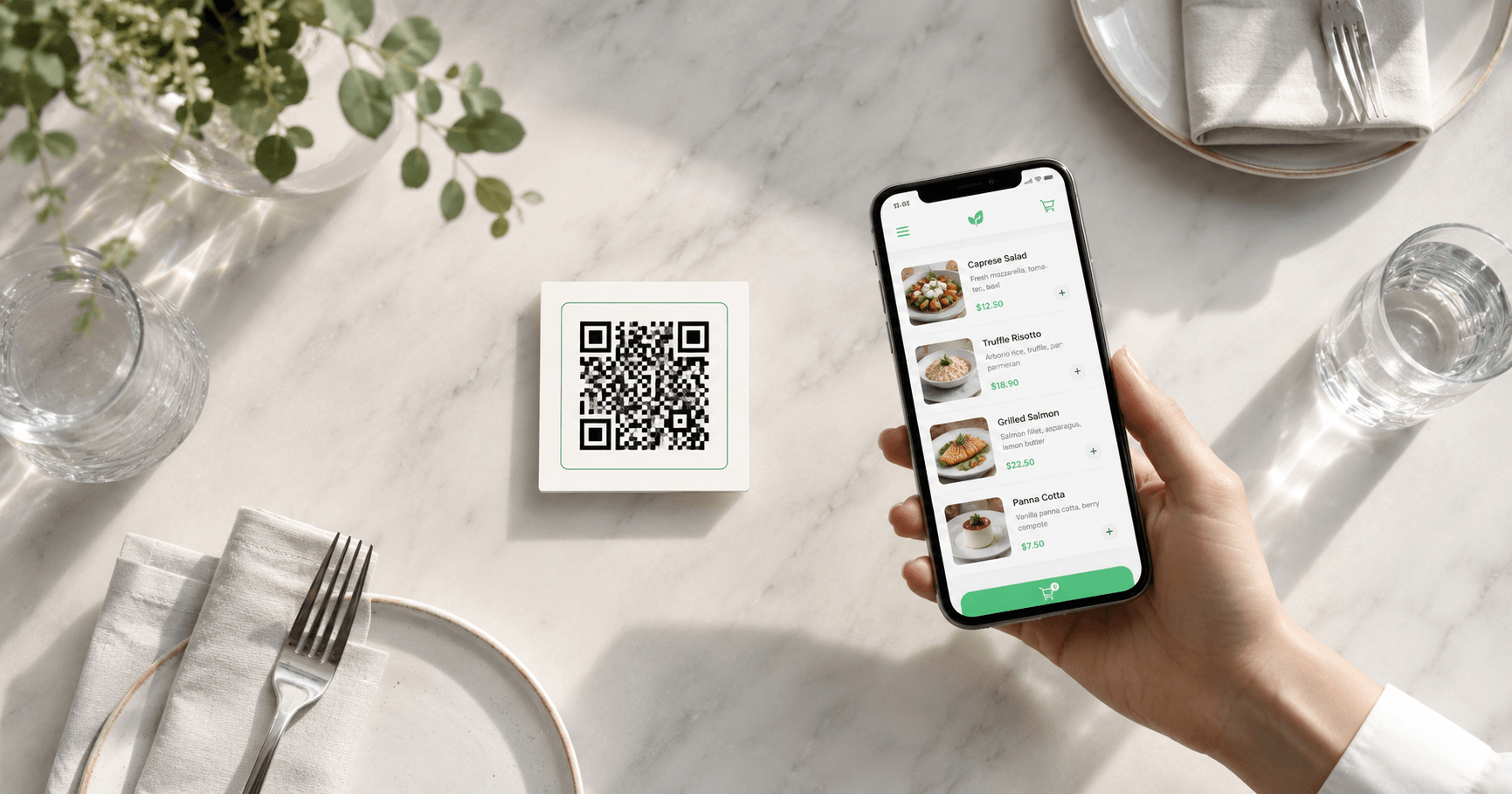
After 2020, QR code menus became the norm across the hospitality industry — and the habit stuck. Today, customers at cafés, restaurants, bars, and food trucks routinely expect to scan a code instead of handling a physical menu.
The reasons businesses keep using them go beyond hygiene:
No printing costs
Update your menu any time without reprinting. Change prices, add seasonal dishes, or remove items — the QR code stays the same.
Instant access
Customers scan and see your menu in seconds. No waiting for a server to bring a menu, no fumbling with laminated cards.
Easy to track
If your menu is hosted online, you can see how many people viewed it using basic analytics — something a paper menu can’t do.
Multilingual ready
Link to a menu page that automatically detects the visitor’s language, or offer multiple language versions via a simple URL.
Step-by-Step: Create Your Restaurant Menu QR Code
You’ll need one thing before you start: a URL for your menu. This can be a PDF hosted on Google Drive, a page on your website, a Google Doc, or a menu platform like Menufy or GloriaFood. Once you have that link, follow these steps:
Go to the free QR Code Generator
Open WebToolsStack’s free QR Code Generator. No account or sign-up required — the tool works instantly in your browser.
Select “URL” as the QR type
Choose the URL option from the QR type selector. This is the correct format for linking to an online menu hosted on any platform.
Paste your menu URL
Enter the full URL of your menu — for example
https://yourdomain.com/menu or a Google Drive PDF link.
Make sure the link works before generating the code.
Generate and preview
Click Generate. Your QR code appears instantly. Scan it with your phone to verify it opens the correct menu before downloading.
Download in PNG
Download the QR code as a PNG file. This format works for digital use (Instagram, WhatsApp, your website) and for printing on table cards, stickers, or posters up to A4 size.
Ready to create yours?
🔳 Create Your Menu QR Code — Free No sign-up · No expiry · Download instantlyWhere to Place QR Codes in Your Restaurant
A QR code is only useful if customers can find it easily. These are the most effective placements for restaurant QR codes:
| Location | Best format | Why it works |
|---|---|---|
| 🪑 Table tent or table card | 5×5 cm sticker or printed card | Customers see it immediately when they sit down |
| 🚪 Front door or entrance | A4 poster or window sticker | Sets expectations before customers sit — reduces wait time questions |
| 🧾 Receipt or check | Small printed QR | Lets customers re-order or leave a review before leaving |
| 📱 Instagram bio / story | Digital PNG image | Lets followers access your menu before visiting |
| 🍽️ Takeaway packaging | Sticker on box or bag | Promotes repeat orders and builds brand recognition |
Tips for a QR Code That Always Works
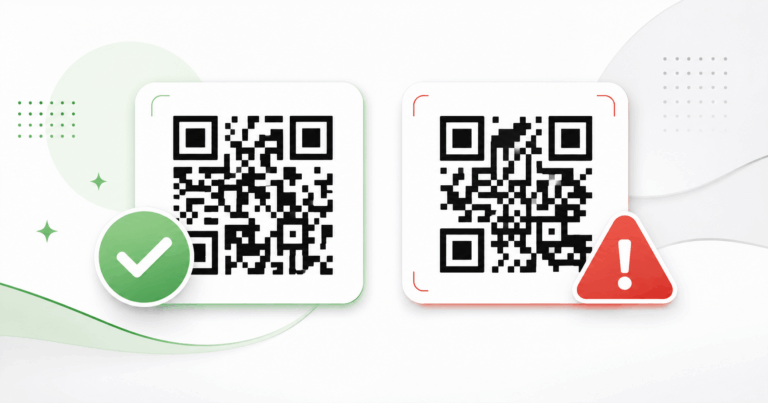
A bad QR code experience — one that doesn’t scan or leads to a broken page — damages customer trust more than having no QR code at all. Follow these best practices:
Always scan your QR code on at least two different phones (iPhone and Android) before printing hundreds of copies.
Smaller than this and most phone cameras struggle to read the code reliably, especially in low restaurant lighting.
Dark code on a white or light background. Avoid placing QR codes on dark tablecloths or patterned surfaces.
Print “Scan to view our menu” above or below the QR code. Not all customers — especially older guests — know what to do instinctively.
A static QR code points to a fixed URL. If you move or delete that page, the code breaks. Keep the URL stable or use a redirect.
Customers scan QR codes on phones. A menu PDF that requires pinching and zooming on mobile will frustrate users. Use a mobile-optimized page when possible.
Static vs Dynamic QR Codes for Restaurant Menus
When researching QR code tools, you’ll often see two options: static and dynamic. Here’s what the difference means for a restaurant:
- Free — always
- Never expires
- No subscription needed
- Works offline (code contains full URL)
- Can’t change the destination URL after printing
- Best for: menus with a stable URL
- Usually requires a monthly subscription
- Can expire if you stop paying
- Destination URL can be changed after printing
- Includes scan analytics
- Depends on the provider’s servers
- Best for: campaigns that change frequently
yourrestaurant.com/menu), point the static QR code there,
and update the menu content at that URL whenever you need. The QR code
itself never needs to change — and you pay nothing.
Frequently Asked Questions
Do QR codes for restaurant menus expire?
Static QR codes do not expire. The information is embedded directly into the code pattern, so it works permanently as long as the destination URL exists. Only dynamic QR codes (from paid platforms) can expire if the subscription lapses.
Can I create a QR code for my restaurant menu for free?
Yes. WebToolsStack’s QR Generator is completely free — no account required, no watermarks, and the code never expires. Generate, download, and print immediately.
What if I change my menu? Do I need a new QR code?
Not necessarily. If your menu is hosted at a fixed URL and you update the content at that same URL, the QR code keeps working without any changes. You only need a new QR code if the URL itself changes.
What format should I use to download my menu QR code?
PNG works for most uses — digital sharing, printing on cards up to A4, and embedding in documents. If you need to print at large sizes (posters, banners), ask your print shop if they need an SVG version.
Where should I host my restaurant menu?
The simplest options are: a page on your existing website, a Google Drive PDF link (set to public), or a free menu platform like GloriaFood or Menufy. Any public URL that works on mobile will do.
Ready to Go Paperless?
Creating a QR code for your restaurant menu takes under two minutes and costs nothing. A permanent URL for your menu plus a free static QR code is all you need — no monthly fees, no complicated platforms.
Once your QR code is ready, print it on table cards, stick it on your front door, and add it to your social profiles. Your customers will find it exactly where they expect it.
Create Your Free Restaurant Menu QR Code
No account · No watermark · No expiry · Download in PNG
🔳 Generate QR Code Now — Free