
How to Create a Free QR Code: A Simple Step-by-Step Guide
QR codes have become one of the fastest and most practical ways to share information instantly. Today, they are everywhere—from restaurant menus and business cards to print advertising. If you want to create a free QR code, you don’t need to install bulky software or sign up for complicated platforms. Simple online tools allow you to generate high-quality codes in seconds. In this guide, you will learn how to create a free QR code step-by-step for your business or personal projects.
What is a QR Code?
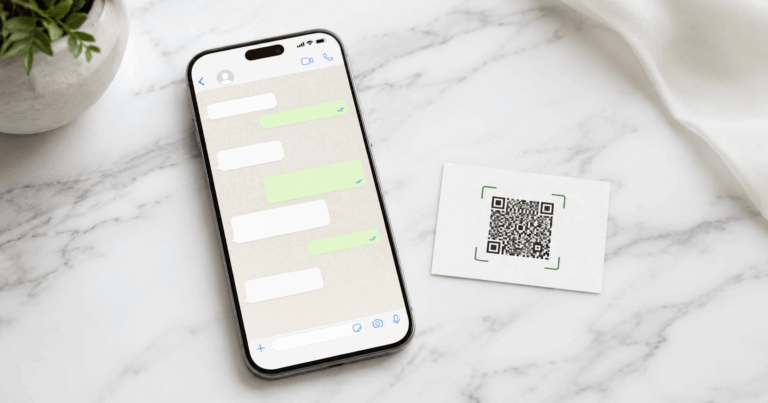
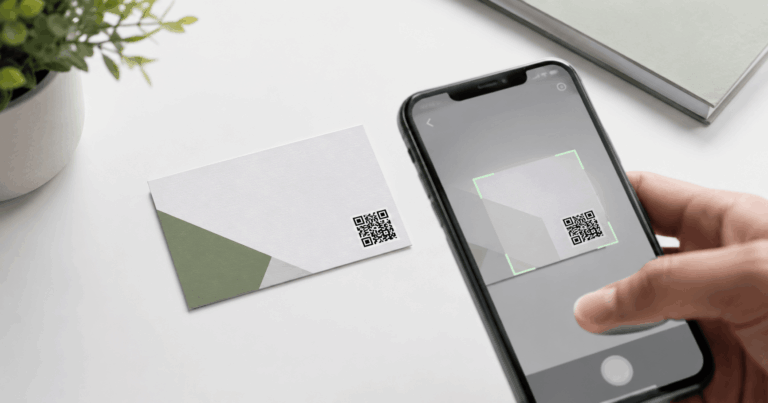
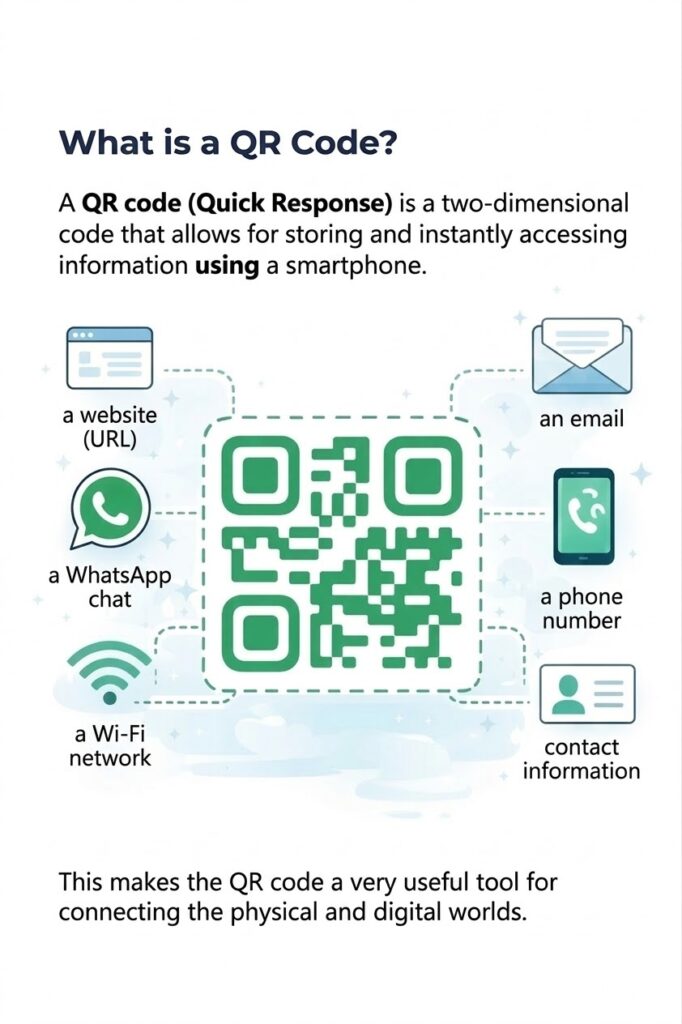
A QR code (Quick Response code) is a two-dimensional barcode that stores data. Unlike traditional barcodes, it can be scanned and read instantly by a smartphone camera, bridging the gap between physical and digital worlds. When you scan a QR code, your device can automatically trigger actions such as opening a website, starting a WhatsApp chat, or connecting to WiFi.
How to Create a Free QR Code Step-by-Step
Creating a free QR code is much easier than it seems. Just follow these steps using our platform:
- Enter the Information: Input the data you want to convert into a QR code (URL, WhatsApp number, or WiFi network).
- Generate the Code: Click the “Generate” button, and the system will automatically create your unique QR.
- Download the QR: Save the code in PNG format for your digital or printed materials.
- Use It Anywhere: Place your code on business cards, packaging, or websites.
👉 Create a Free QR Code Now using our professional online generator.
Most Popular Types of QR Codes
Today, there are several types of codes depending on the information they store. When you create a free QR code, consider these options:
- QR for URL: The most common type; it opens a specific website when scanned.
- QR for WhatsApp: This opens a WhatsApp conversation directly with your number.
- QR for WiFi: Allows users to automatically connect to a network without typing a password.
- QR for Phone: Allows users to place a call directly from their mobile device.
Do QR Codes Expire?
It depends on the type you choose. Static QR codes (the most popular way to create a free QR code) store information directly within the pattern. This means they do not expire and work as long as the destination URL exists. Dynamic codes often rely on external platforms that may require monthly subscriptions.
For more marketing tips, visit MarketingProfs
Benefits of Using QR Codes for Your Business
QR codes offer several key advantages:
- Instant Sharing: Share information in a split second.
- No Manual Typing: Eliminates the need for users to type long, complex links.
- Universal Compatibility: They work with any modern smartphone camera.
- Physical-to-Digital Bridge: Easily connect print campaigns to your website.
Tips for Using QR Codes Correctly
To ensure your QR code works perfectly, follow these best practices:
- Use clear, short links to ensure the code remains readable.
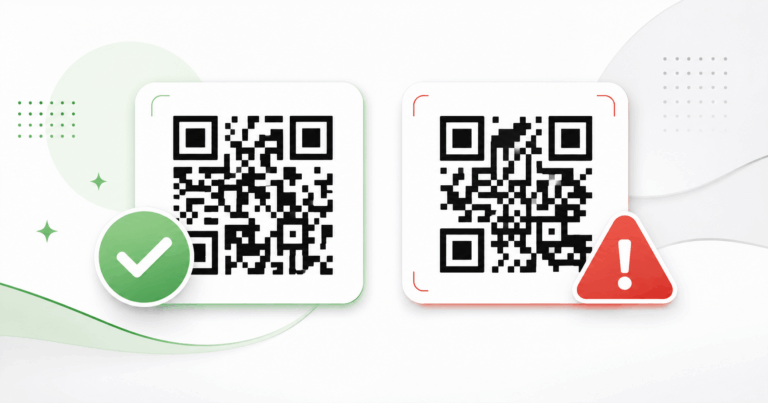
- Ensure high contrast (dark code on a light background).
- Test the code before printing large quantities.
- Use an appropriate size so it is easy to scan from a distance.
Unlock Your Potential with QR Technology
In an era where time is your most valuable asset, the ability to create a free QR code instantly is more than just a convenience—it is a competitive advantage. By bridging the gap between your physical assets and your digital presence, you provide your audience with a seamless, frictionless experience. Whether you are aiming to increase traffic to your website, streamline your customer service via WhatsApp, or simplify WiFi access for your visitors, the tools are now at your fingertips. Don’t let complex, expensive platforms hold you back; start leveraging the power of our generator today to see how a simple square code can transform your business engagement and simplify information sharing for everyone involved.
Conclusion
QR codes are simple yet powerful tools for sharing information and boosting user interaction. Today, anyone can create a free QR code in seconds using online tools. Whether you need a QR for your website, WhatsApp, or any other data, you can generate it easily with our Free QR Code Generator.