
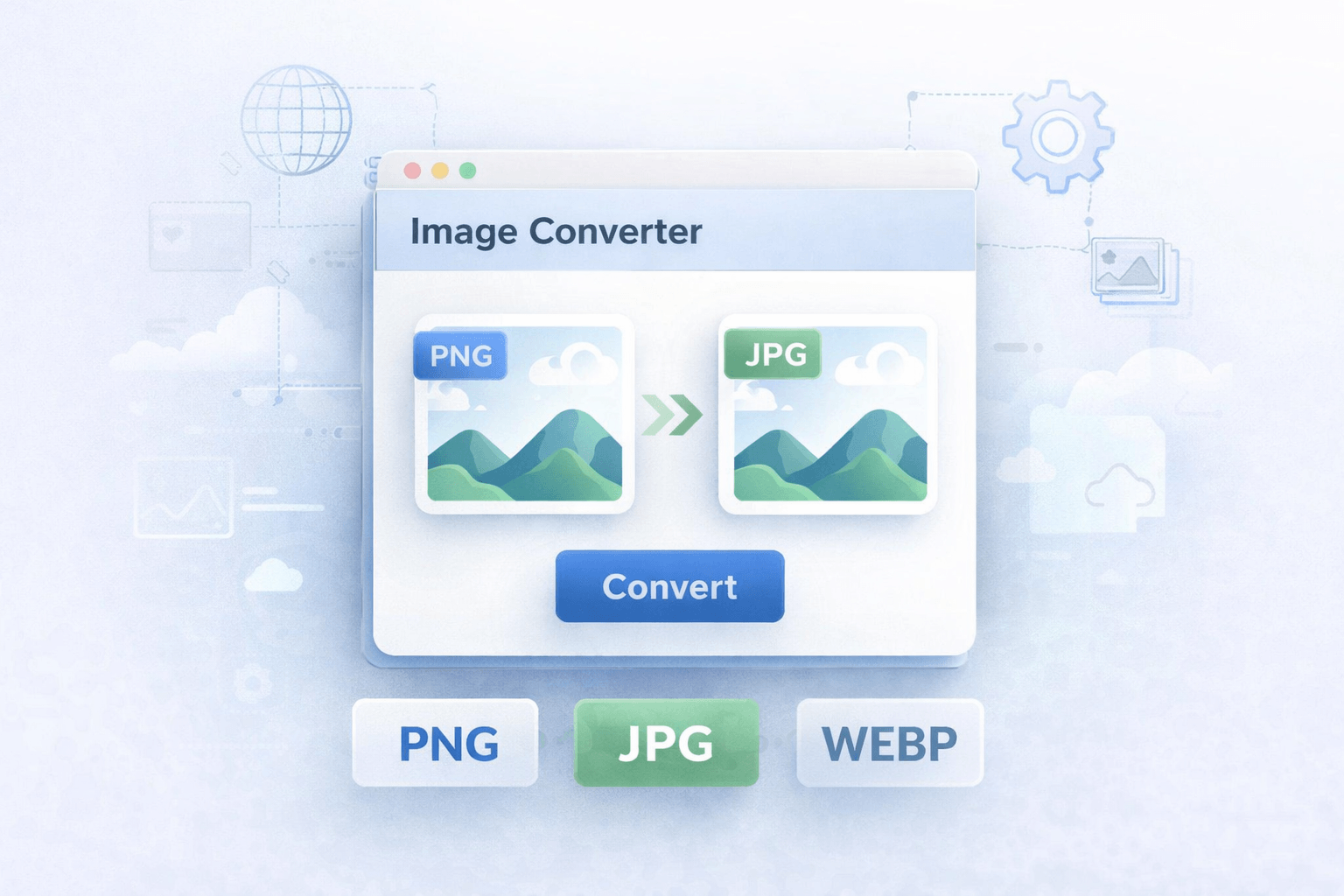
How to Convert Images Online Without Losing Quality
Image conversion has become one of the most common digital tasks for students, designers, marketers, bloggers, and everyday users. Whether you need to turn a PNG into a JPG, convert a WEBP file to PNG, or prepare an image for a website, being able to convert images online using a fast and reliable image converter online can save time and improve compatibility.
Many users struggle with file formats because not every platform, website, or device supports the same image type. That is why having access to a free image converter is essential for daily digital work.
Today, the ability to convert images online has become essential for anyone working with digital content. From website optimization to social media publishing, choosing the right image format directly impacts performance, loading speed, and user experience.
Many websites require specific formats such as JPG for faster loading or PNG for transparent backgrounds. This is why using a reliable image converter online allows users to quickly adapt their files without needing advanced editing software.
In addition, modern formats like WEBP are designed to improve web performance, but not all platforms support them. Being able to convert images online ensures compatibility across browsers, devices, and applications without compromising quality.
Another key advantage of using an online converter is efficiency. Instead of downloading heavy programs or learning complex tools, users can simply upload their file, choose the desired format, and get instant results in seconds.
Whether you are a blogger optimizing images for SEO, a designer preparing assets, or a business owner managing digital content, having access to a fast and secure convert images online solution can significantly improve your workflow.
Why You Should Convert Images Online for Better Performance
Different image formats serve different purposes. Converting images helps users adapt files for websites, social media, presentations, online forms, and storage optimization.
- PNG to JPG: Useful when you need smaller file sizes for faster loading.
- JPG to PNG: Helpful when you want better support for graphics and cleaner editing workflows.
- WEBP to PNG: Ideal when compatibility is needed for tools or platforms that do not fully support WEBP.
- Image compression: Some conversions help reduce image size while keeping acceptable quality.
What Is an Online Image Converter?
An online image converter is a web-based tool that allows you to upload an image and change it into another format directly in your browser. There is no need to install software or use complicated design programs.
This makes online conversion especially useful for people who want quick results on desktop or mobile devices.
Popular Image Format Conversions
PNG to JPG
PNG files are excellent for graphics and transparent backgrounds, but they are often larger in size. Converting PNG to JPG is a smart option when you need lighter files for websites, email attachments, or faster sharing.
JPG to PNG
JPG is widely used for photos, but sometimes users prefer PNG for editing, design tasks, or better visual consistency in graphic content. A JPG to PNG converter makes that process simple.
WEBP to PNG
WEBP is great for modern web performance, but not every app or platform supports it properly. That is why many people look for a quick WEBP to PNG solution that works online and without quality problems.
How to Convert Images Without Losing Quality
To maintain quality during conversion, it is important to use a tool that processes files cleanly and supports the right output settings. Here are some practical tips:
- Choose the correct format based on your final use case.
- Do not convert an image multiple times unnecessarily.
- Use PNG for graphics and transparent assets when needed.
- Use JPG for photographs and lighter file sizes.
- Preview the result before using it on your website or design.
Benefits of Using a Free Image Converter Online
- No installation required
- Fast and easy to use
- Accessible from any browser
- Useful for website optimization
- Supports common format changes in seconds
Use Our Free Image Converter Tool
If you need to convert image files quickly, try our free Image Converter tool. It is designed to help you convert common formats online in a simple and efficient way.
Whether you need PNG to JPG, JPG to PNG, or WEBP to PNG, our tool helps you get the format you need without unnecessary steps.
Final Thoughts
A reliable image converter is one of the most practical tools for modern digital work. It helps improve compatibility, optimize file size, and prepare visuals for web, content, and business use.
If you work with images regularly, having a fast online image converter in your workflow is a smart move.
To better understand how different image formats work, you can explore this detailed guide on image file formats .